

DEWA (electricity and water)
DEWA Head Office
The Dubai Electricity and Water Authority (DEWA) connects and services electricity and water in housing, accepts bill payments and handles residents' requests.
More
DEWA (Dubai Electricity and Water Authority) is the supplier of electricity and water in Dubai. People turn to it when moving into new housing to connect utilities (move-in), when moving out to disconnect and get the deposit back, and for all matters of bills, consumption and emergencies. After Ejari (registration of the tenancy contract) is arranged, DEWA usually sends a notification itself with the account number and a link to pay the deposit, after which electricity and water are activated. For a new connection you will need an Emirates ID, Ejari and the property details.
Almost everything is done online through the DEWA Smart App and the dewa.gov.ae website, and bills can also be paid through the city-wide Dubai Now app; logging into your account is convenient via UAE Pass. The app offers viewing and paying bills, consumption history, activating and deactivating services, setting up auto-payments and submitting requests. You can pay by card, through online banking, Apple Pay/Samsung Pay and other methods. The head office and customer service centre are located in the Zabeel area, near Sheikh Rashid Road.
Working hours and services may change — check the official website or call the institution.
On the map
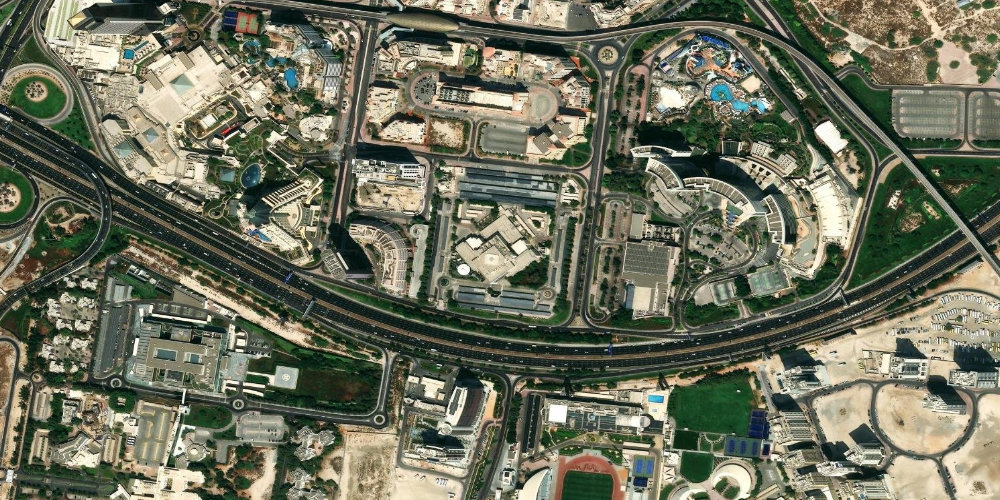
Interactive satellite map — zoom and pan to find the entrance and surroundings.
Similar institutions
Frequently asked questions
How do I connect electricity and water?+
Starting a subscription (Move-in) is done online on the dewa.gov.ae site or in the DEWA app: enter your housing details, the Ejari/lease contract number and your Emirates ID. You need to pay a security deposit and an activation fee; afterwards DEWA sends a letter with the account number.
How do I pay a DEWA bill?+
Bills are paid online via the DEWA app or website; automatic payment with Apple Pay and Samsung Pay is supported. Setting up automatic payment helps avoid delays and disconnection.
How do I get my deposit back when moving out?+
When moving out, complete the Move-out process in the DEWA app or on the website and choose the deposit refund method (to an IBAN, by check or by transfer). The deposit is first offset against the final payment, and the remainder is refunded; check that the details are correct.